 © leonovo
 © alexkich
 © arthurhidden
Über
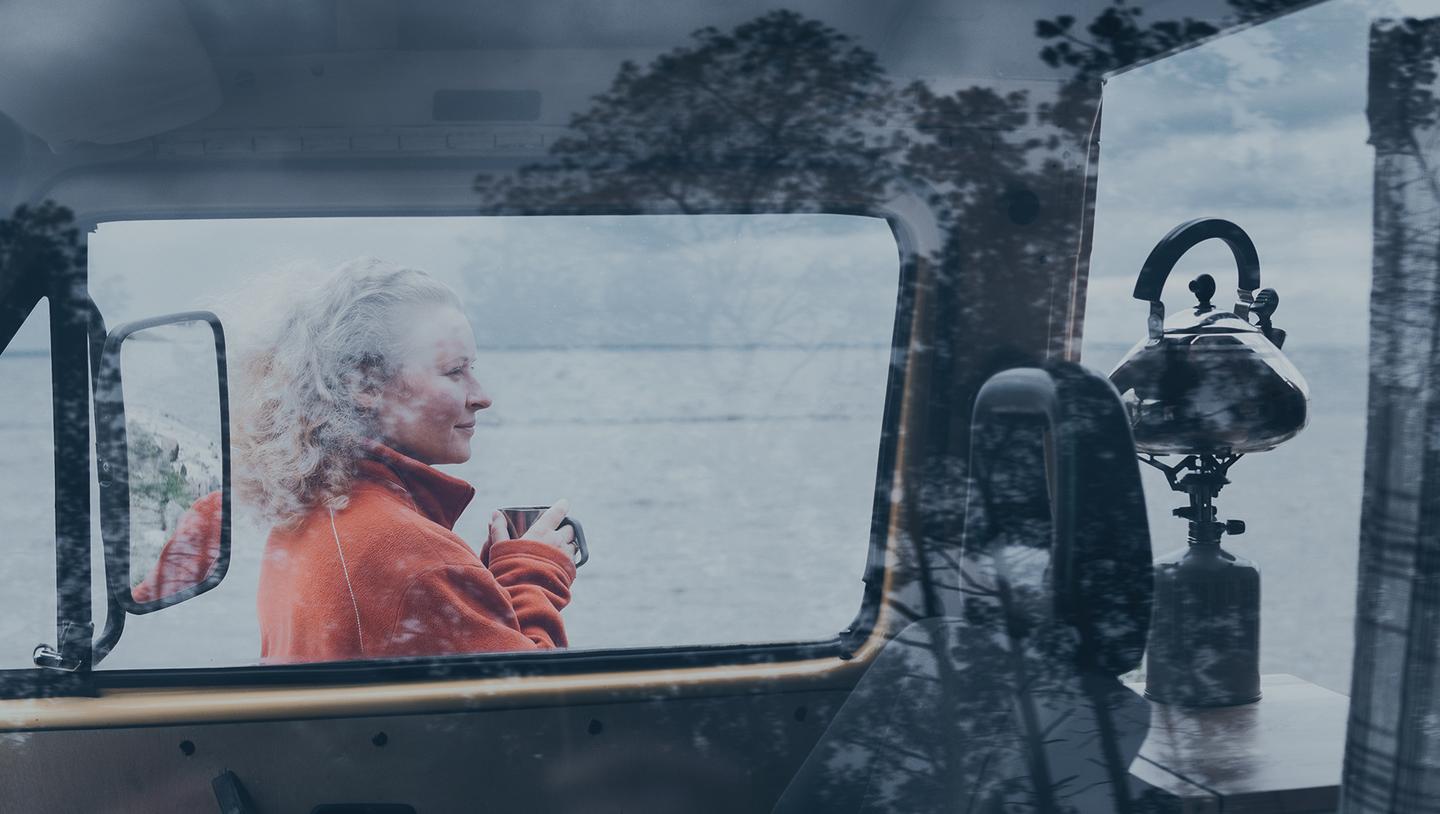
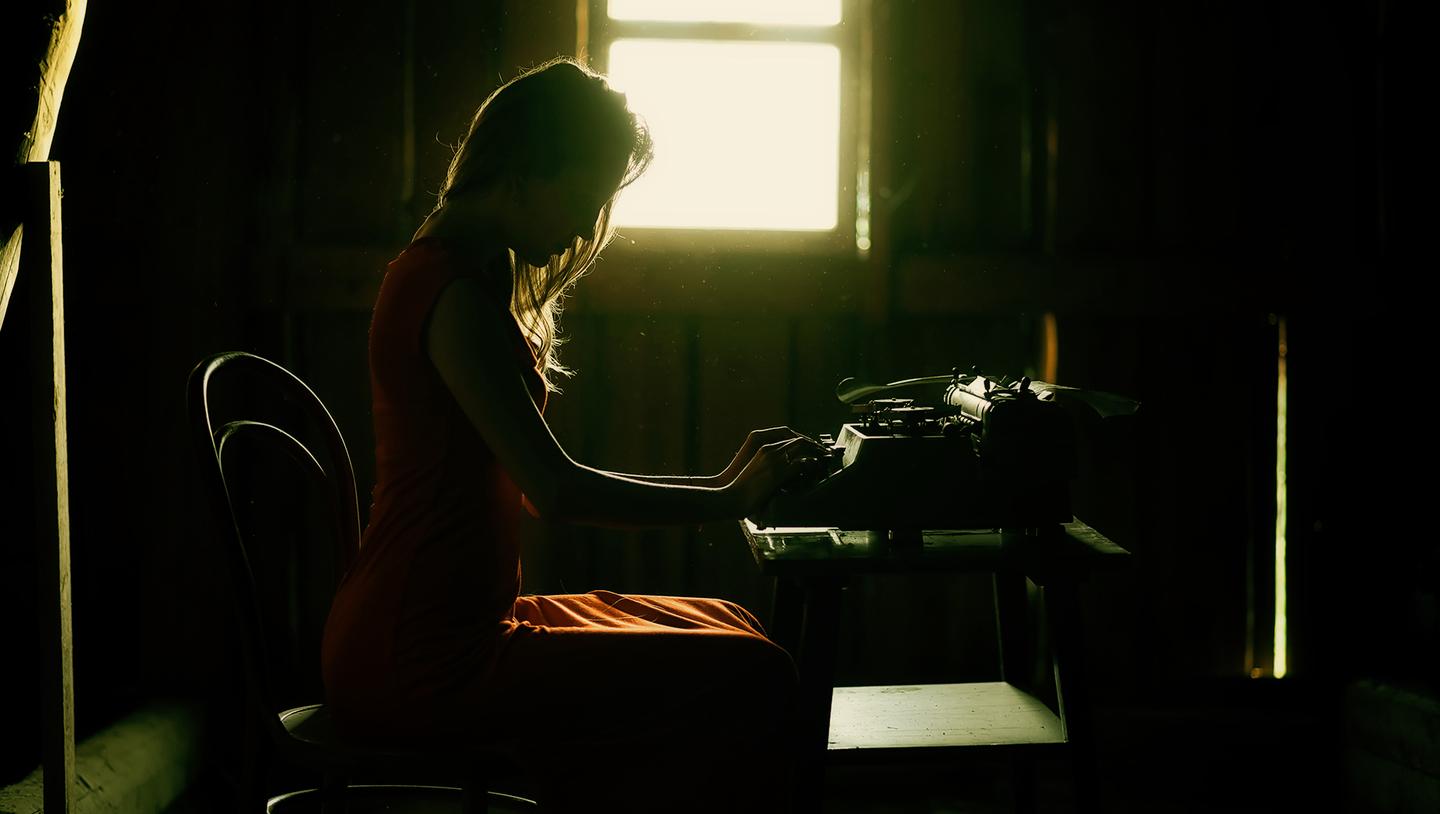
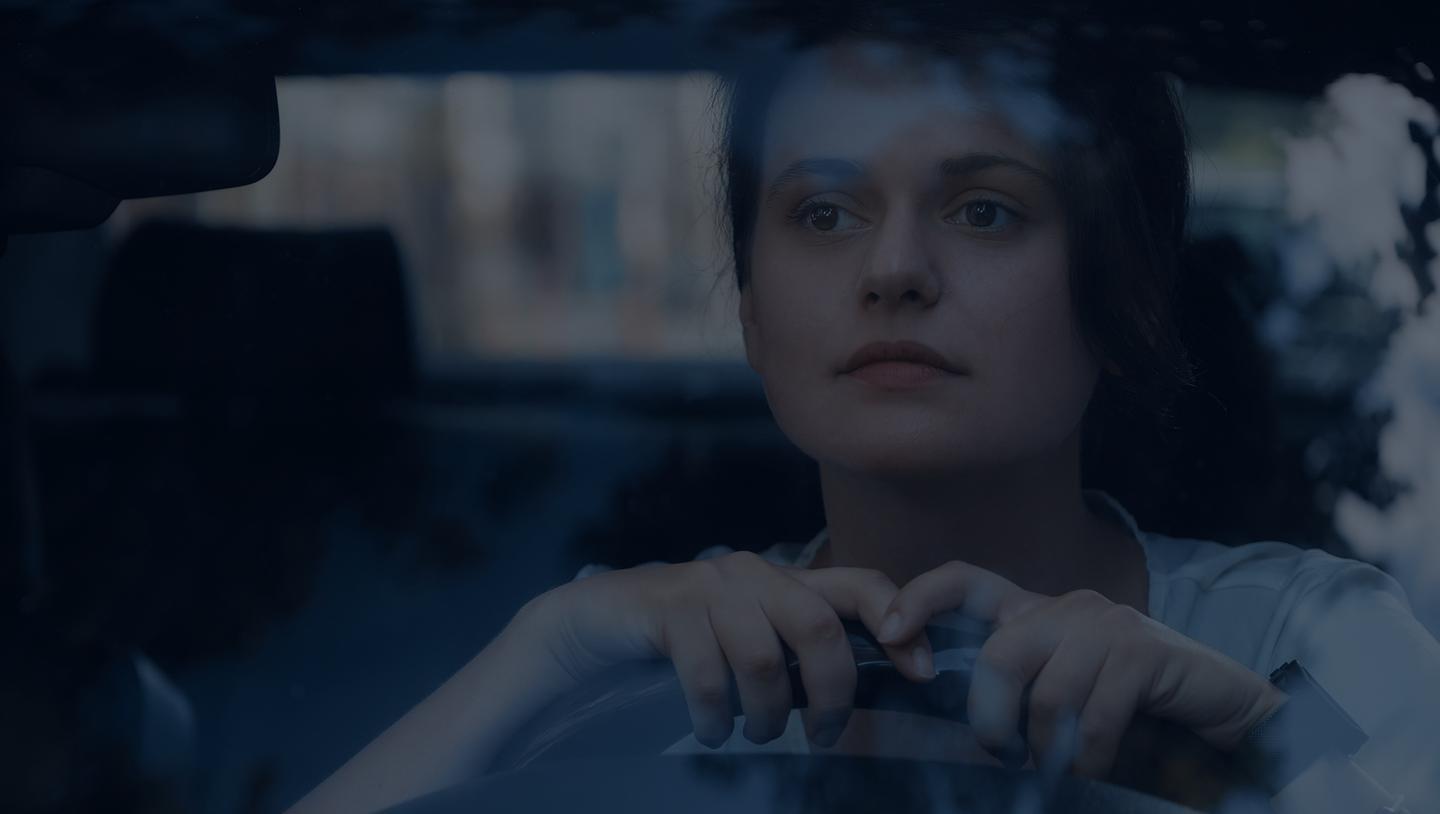
Wolltest du schon immer deine Fotos wie Standbilder aus berühmten Filmen oder Fernsehsendungen aussehen lassen? Diese 10 phantasievollen Vorlagen emulieren die Farben, die Tönung und die Details deiner Lieblingsfilme und -sendungen, um dir zu helfen, kultige und spektakuläre Fotos zu machen.
Was ist dabei
10 Templates and Presets. Compatible with JPEG and RAW images.
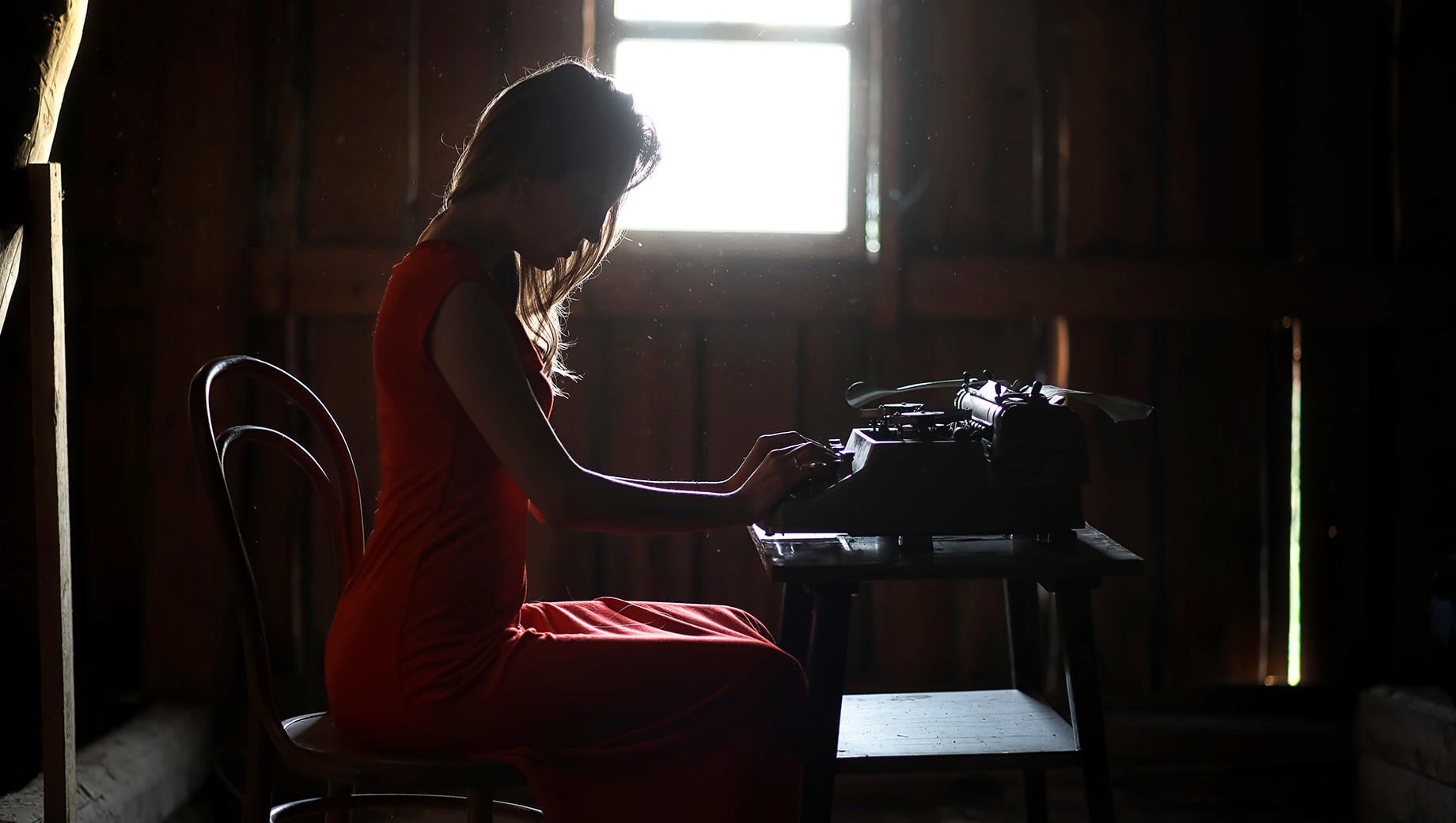
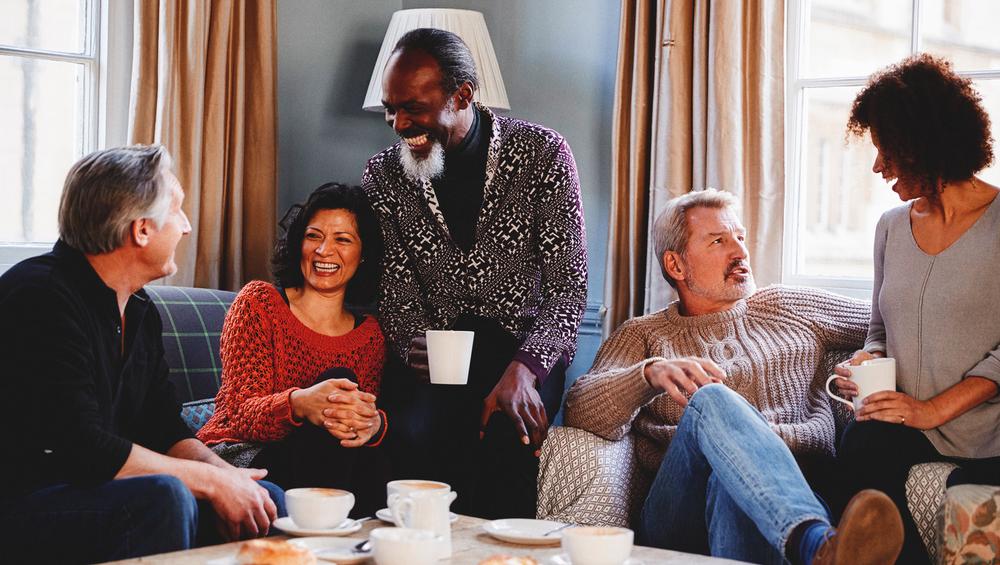
Mach Fotos wie diese
Mit den mitgelieferten RAW-Dateien kannst du ganz einfach Retusche-Tipps ausprobieren und lernen, wie man solche Fotos macht.

Die Story
Grab your popcorn and start editing! This collection is designed to emulate famous movies and TV shows.
Inspired by films such as The Godfather, Grand Budapest Hotel, and The Matrix, these 10 cinematic Templates are the shortcut to wonderful photos that look just like movie stills. Recreate the atmosphere and make your photos cinema-worthy!
Portrait-enhancing features.
What you’ll find in this pack (10 Templates):
Day for Night: Transform your day shots into nightscapes with this Template.
Icy: A cold-toned Template with an accent on shadows. Inspired by the toning of such movies as Lost in Translation.
Monochrome: Create the thrilling atmosphere of an ambient horror movie with this black and white Template.
Cyber: A Template with green toning inspired by the first Matrix movie and an accent on skin tones.
Shanghai: Emulate the characteristic green and yellow toning of such movies as Amélie and Fight Club.
Muted Yellow: A warm-toned Template in high key. Inspired by Leon and Trainspotting.
Summer Day: An intense warm-toned Template reminiscent of Wes Anderson films.
Sitcom: A colorful and warm Template with a raised black point inspired by the TV show Friends.
Classic: This brown-toned Template in low key was inspired by such movies and TV shows as The Godfather and The Queen’s Gambit.
Teal & Orange: The iconic teal and orange toning of this Template is reminiscent of and inspired by X-Men.
Keep in mind that a Template’s default effect might be too strong for your photo.
If it is, simply bring it back a bit with the Amount slider.
Don’t forget to share your results! Use the hashtag #madewithluminar on social media so the Skylum Team can take a look at your work!
Ähnliche Produkte



Entwickelt von
Team Skylum
Photographers, colorists & retouchers
The Skylum team works with hundreds of professional photographers and retouchers to bring you Templates that top photographers use to create their masterpieces. The Skylum AI Lab analyzes the photos and workflows of photographers and creates Presets that are accessible to everyone and that take advantage of the advanced technology under the hood of Luminar Neo. Our mission is to cut the time and effort it takes to make a striking photo and allow everyone to enjoy photo editing and photography.