

 © VAKSMANV101
 © vientocuatroestudio
 © pressmaster
 © Anneylier
À propos
Découvrez 10 Modèles chaleureux par l'Équipe Skylum pour des photos dorées d'automne. Que vous preniez des photos de feuilles mortes dans la rue, des photos chaleureuses de montagnes lors de randonnées, ou des portraits de famille dans les citrouilles, vous trouverez le Modèle idéal pour votre ambiance automnale.
Inclus
10 Templates for. Compatible with JPEG and RAW images.
Obtenez des photos comme celles-ci
À l'aide des fichiers RAW fournis, vous pourrez facilement appliquer les conseils en matière de retouche et découvrir comment obtenir des photos comme celles-ci.
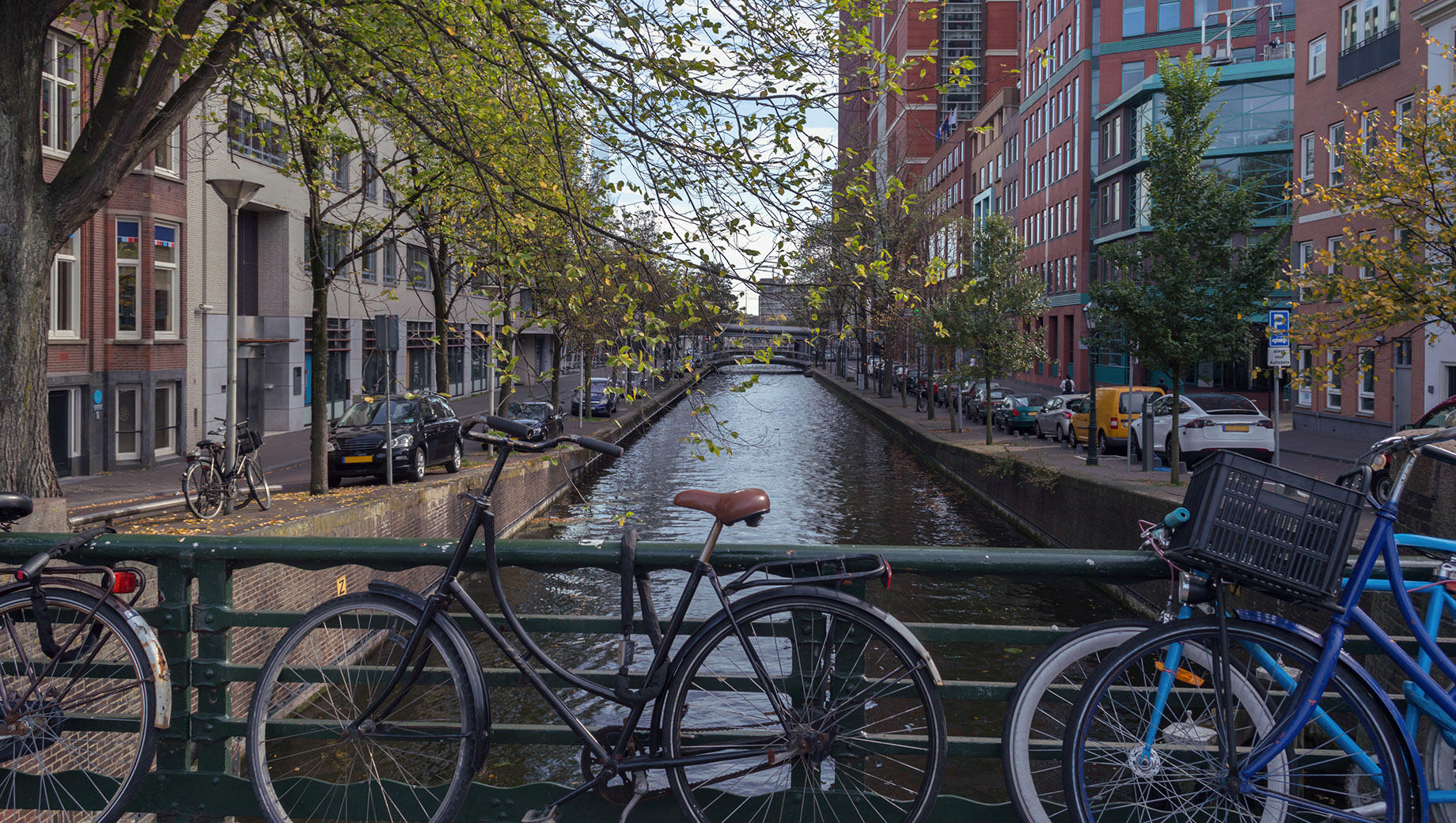
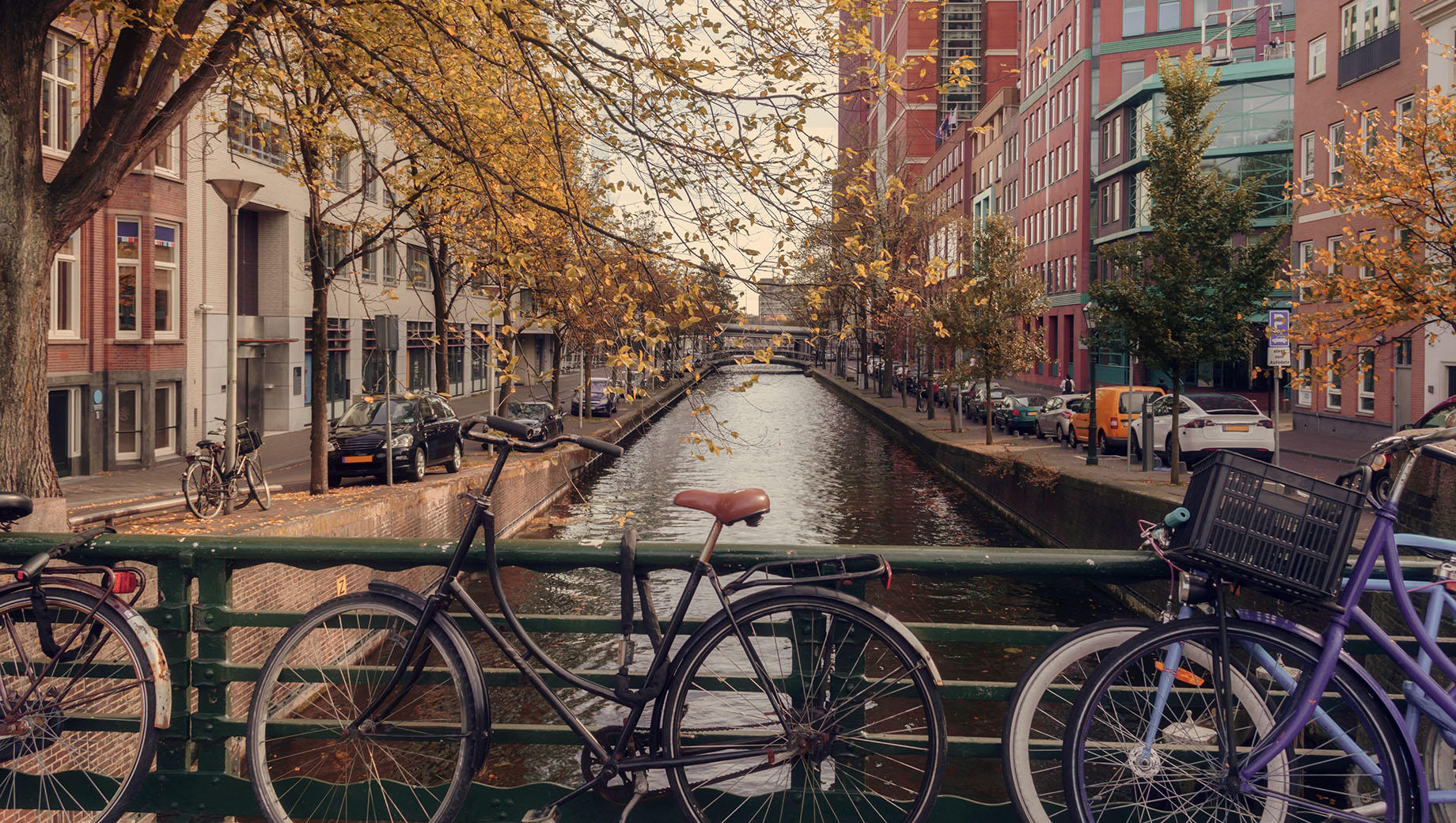
L'histoire

Enhance photographs taken in autumnal city parks, on windy streets, and on hiking trips in the mountains.
This collection of 10 glowing Templates is perfect not only for autumn landscapes but also for cozy portraits of family and friends.
Enhance the atmosphere of wet asphalt after the rain, fog, cloudy weather, and trees in warm sunset rays.
Your cozy autumn photos are waiting for you!
What you’ll find in this pack (10 Templates):
Low Key Warm: A warm Template with high exposure and contrast.
High Key Warm: A light Template with warm toning.
September: A cold Template with greenish and yellowish highlights.
Autumn Glow: A Template with warm toning and an accent on yellows and oranges as well as built-in portrait enhancing features.
Contrast & Clarity: A Template with slightly warm toning that helps you deliver high contrast and clarity.
Cinematic Autumn: A Template that delivers a pleasant cinematic vibe.
Windy: A cold Template with lowered contrast and exposure.
October: A pleasant Template perfect for creating a heartwarming atmosphere.
November: A cold contrasted Template with a raised black point.
Red Leaf: A Template with red toning and red-orange hues
Keep in mind that a Template’s default effect might be too strong for your photo.
If it is, simply bring it back a bit with the Amount slider.
Don’t forget to share your results! Use the hashtag #madewithluminar on social media so the Skylum Team can take a look at your work!
Produits similaires



Créateur
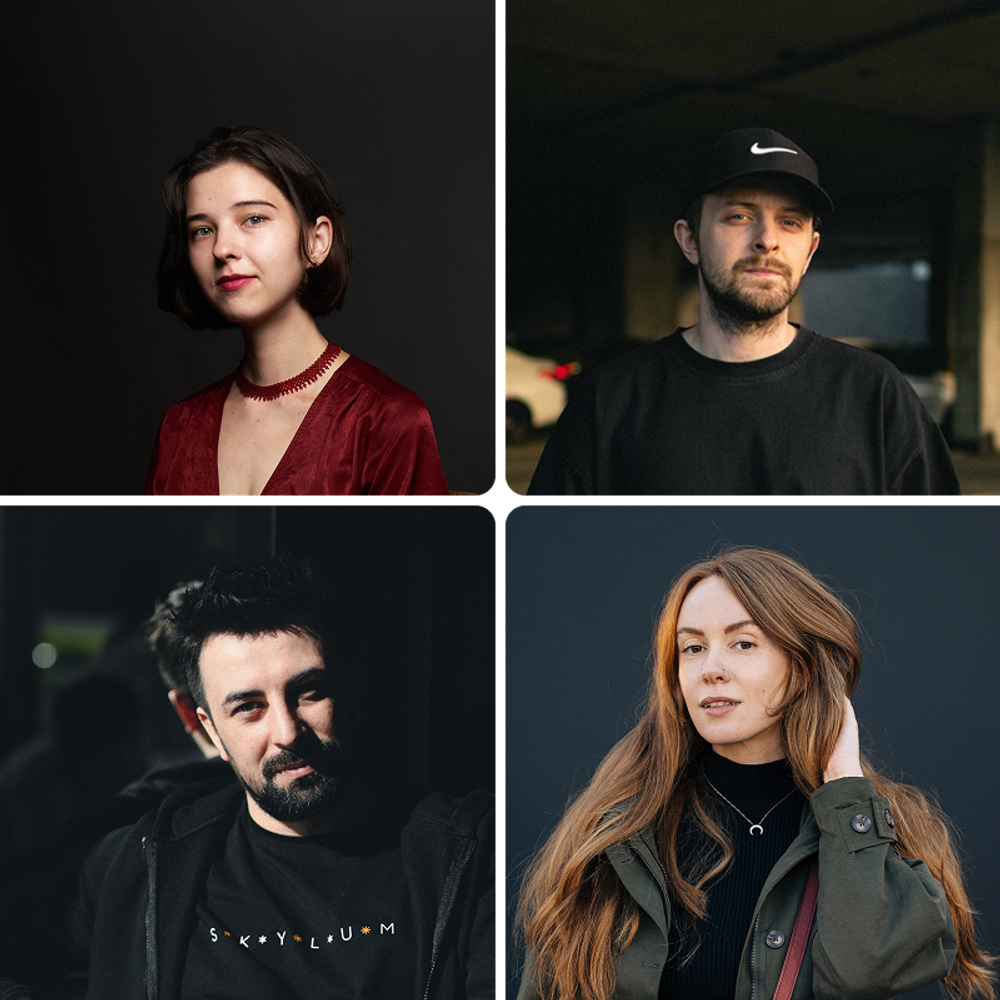
Team Skylum
Photographers, colorists & retouchers
The Skylum team works with hundreds of professional photographers and retouchers to bring you Templates that top photographers use to create their masterpieces. The Skylum AI Lab analyzes the photos and workflows of photographers and creates Presets that are accessible to everyone and that take advantage of the advanced technology under the hood of Luminar Neo. Our mission is to cut the time and effort it takes to make a striking photo and allow everyone to enjoy photo editing and photography.
FAQ
Vous avez d'autres questions ou souhaitez simplement des conseils ?
Contacter le service clientèle