

 © VitalikRadko
 © nuclear_lily
 © ysbrand
À propos
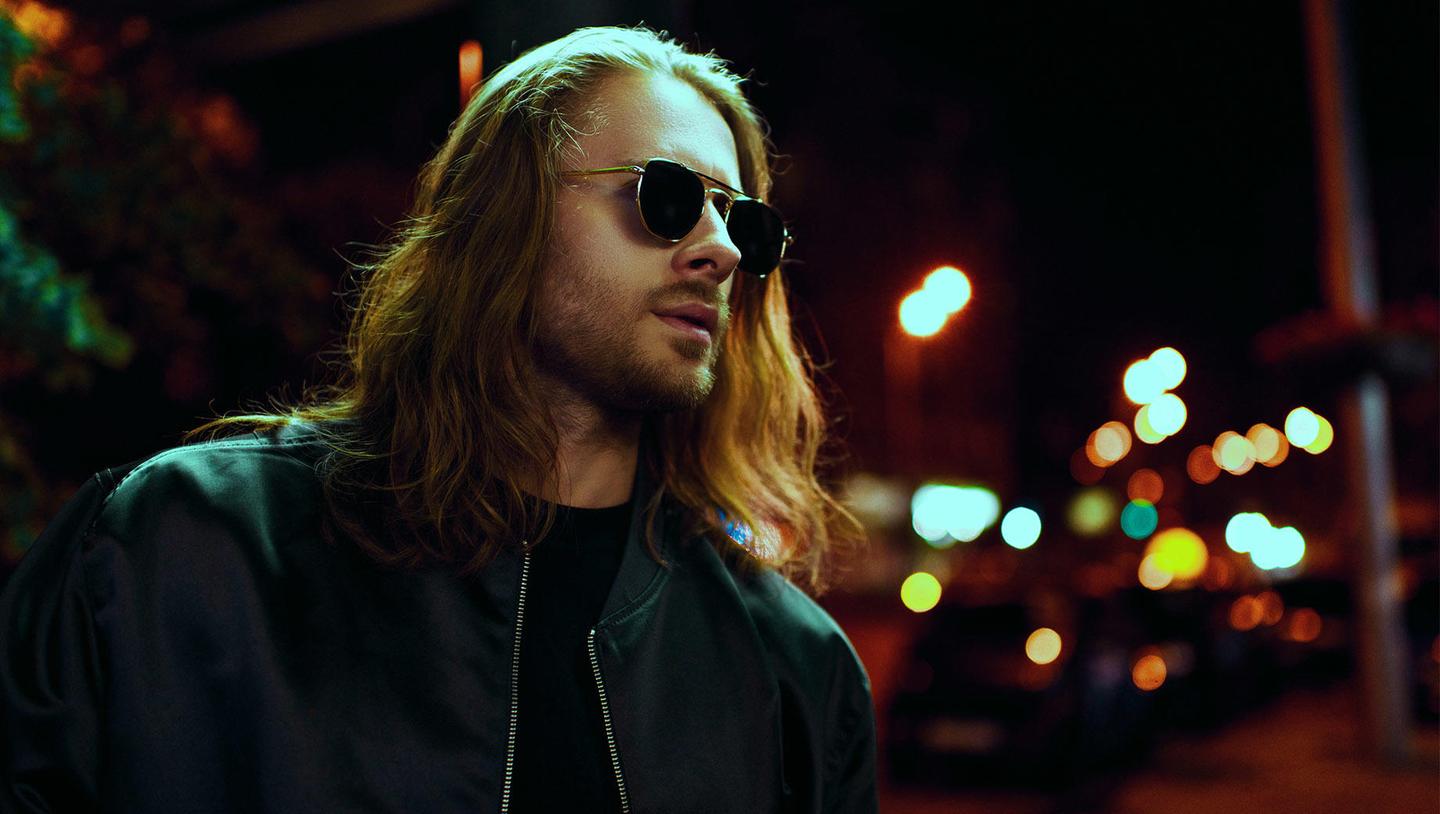
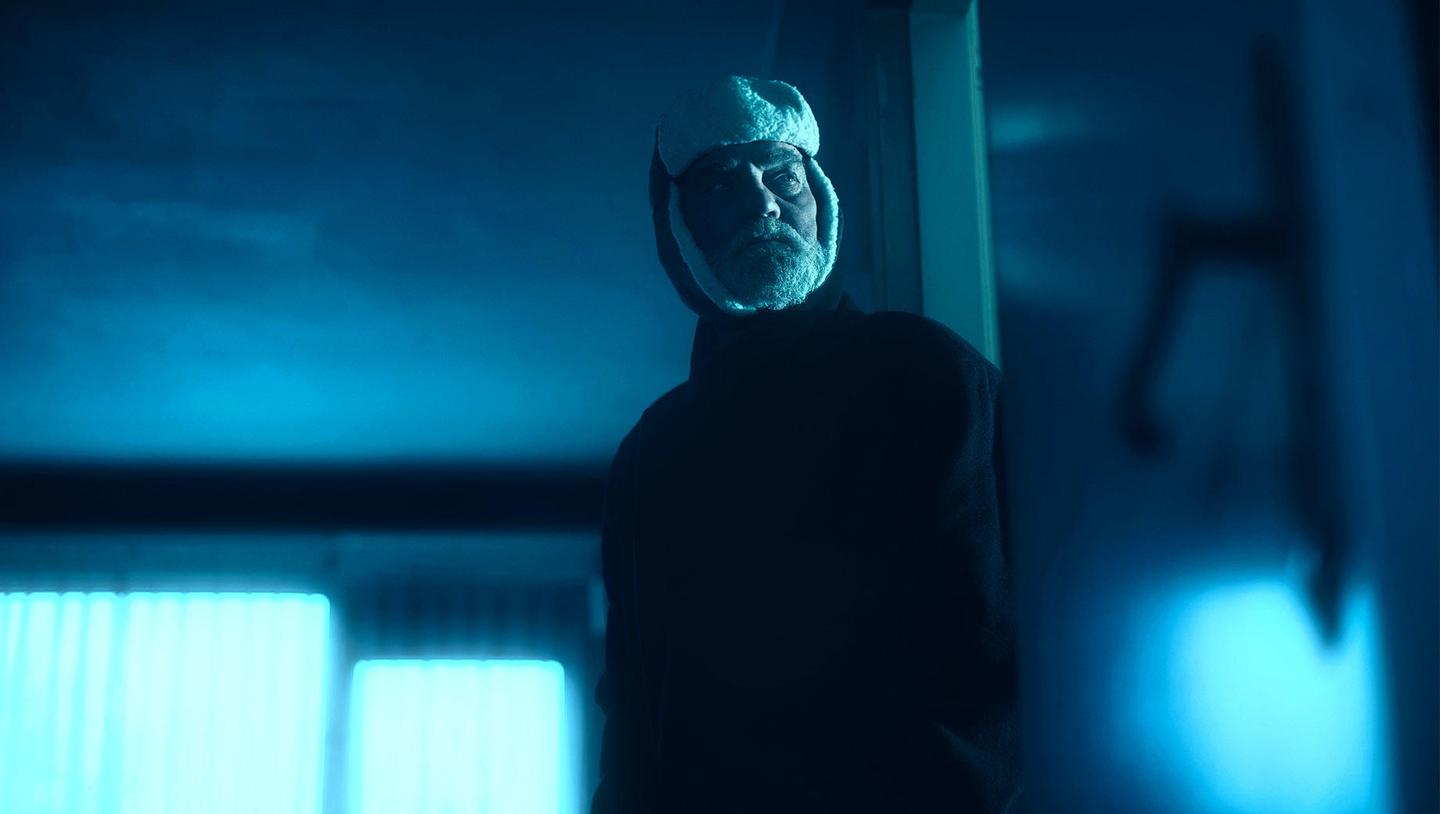
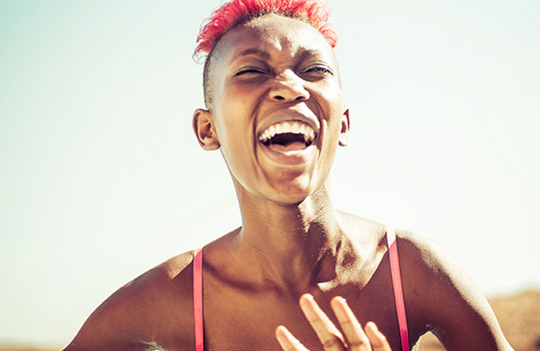
Utilisez cette collection de Modèles pour créer des portraits à l'ambiance audacieuse et dangereuse. Trouvez tous types d'effets dynamiques parmi ces 10 Modèles: lumières néon vives, lumières vertes froides, styles mats, et bien plus encore.
Inclus
10 Modèles. Compatibles avec les images JPEG et RAW.
Obtenez des photos comme celles-ci
À l'aide des fichiers RAW fournis, vous pourrez facilement appliquer les conseils en matière de retouche et découvrir comment obtenir des photos comme celles-ci.


L'histoire
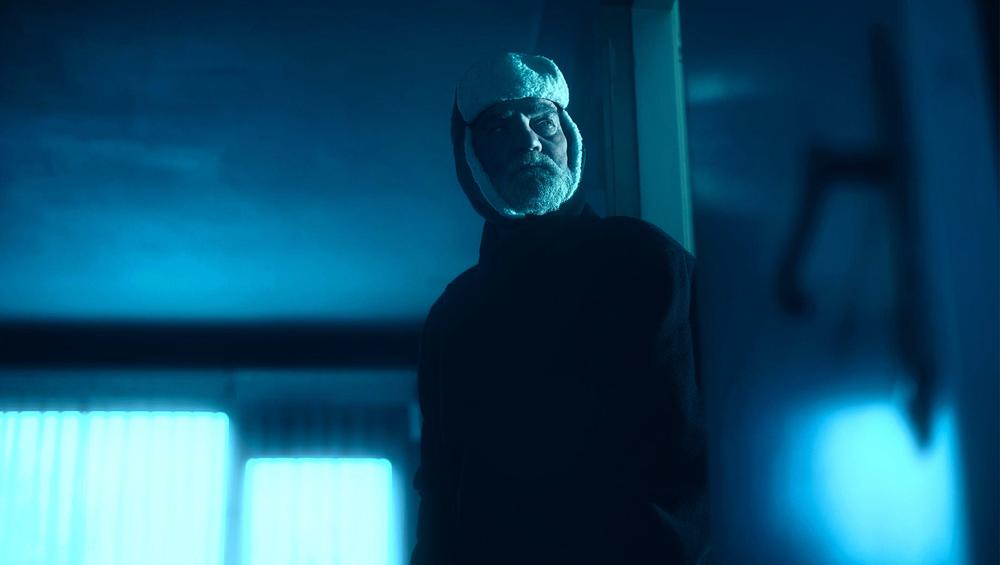
The secret to the edgiest and most eye-catching portraits?
Creative use of lights: lamp posts, neon lights, shop signs. Not to mention smoke, dark rooms, and danger.
With this collection of 10 dynamic Templates, you’ll be able to create portraits that are hard to forget.
Channel the thrilling vibe of nighttime with neon effects, the soft glow of poorly lit rooms, unique noise, low-contrast effects, and so much more that can take your creativity to the next level.
What you’ll find in this pack (10 Templates):
Rainbow: A bright, vibrant Template that enhances facial features thanks to built-in portrait tools and brings unique noise and glow.
Red Light: A voluminous Template with a monotone red look for an edgy atmosphere.
Dual Tone: A soft, low-contrast, dual tone Template for a neon effect.
Cyber: A cold green Template with strong contrast and a mesmerizing glow.
Neon: A bright high-contrast Template with cold toning and an accent on blue and red tones, plus glow.
Gotham: A Template with a matte effect and slightly greenish highlights.
Neon Sunset: A vibrant teal and orange Template that’s perfect for sunset photos.
Punk: A bright high-contrast Template with an overlaid multicolored texture.
Night Life: A Template with a raised black point, strong contrast, and cold shadows.
Shanghai Nights: A toned, warm Template with eye-catching glow.
Keep in mind that a Template’s default effect might be too strong for your photo.
If it is, simply bring it back a bit with the Amount slider.
Don’t forget to share your results! Use the hashtag #madewithluminar on social media so the Skylum Team can take a look at your work!
Produits similaires


Créateur
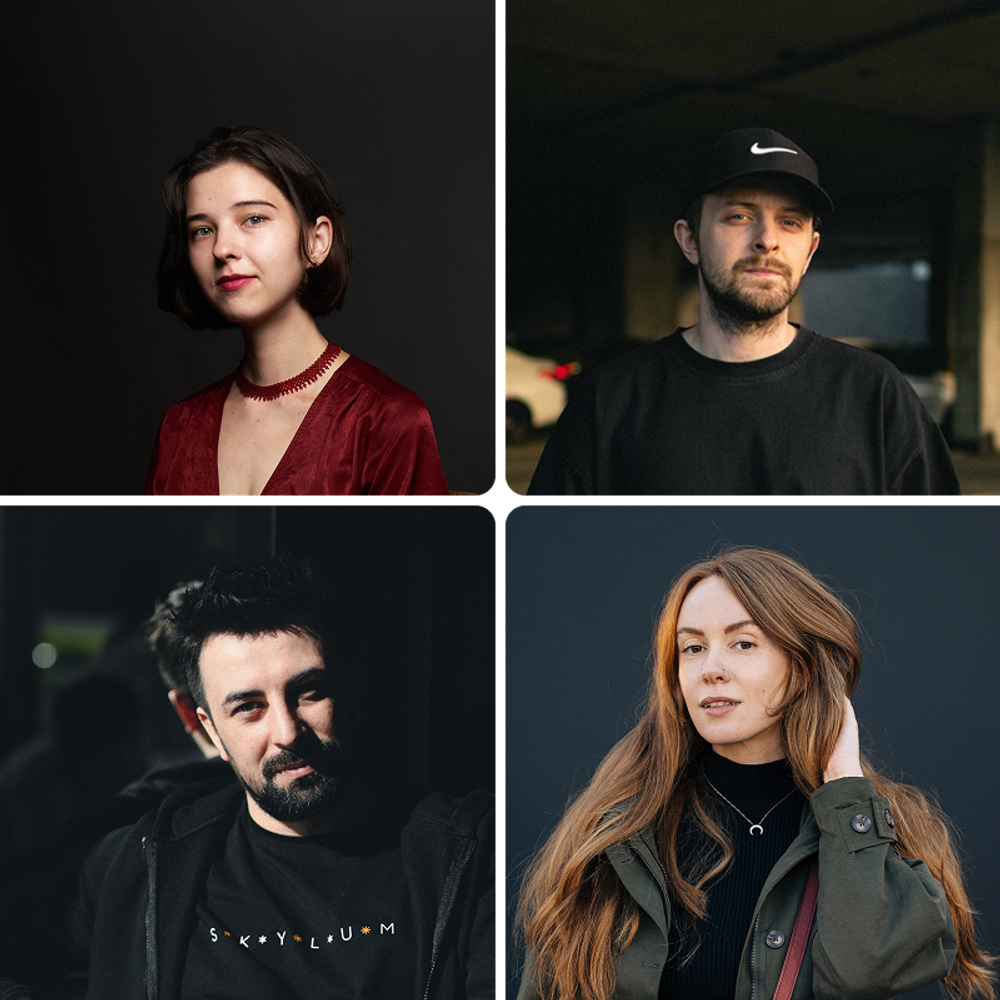
Team Skylum
Photographers, colorists & retouchers
The Skylum team works with hundreds of professional photographers and retouchers to bring you Templates that top photographers use to create their masterpieces. The Skylum AI Lab analyzes the photos and workflows of photographers and creates Presets that are accessible to everyone and that take advantage of the advanced technology under the hood of Luminar Neo. Our mission is to cut the time and effort it takes to make a striking photo and allow everyone to enjoy photo editing and photography.
FAQ
Vous avez d'autres questions ou souhaitez simplement des conseils ?
Contacter le service clientèle